Choose a model
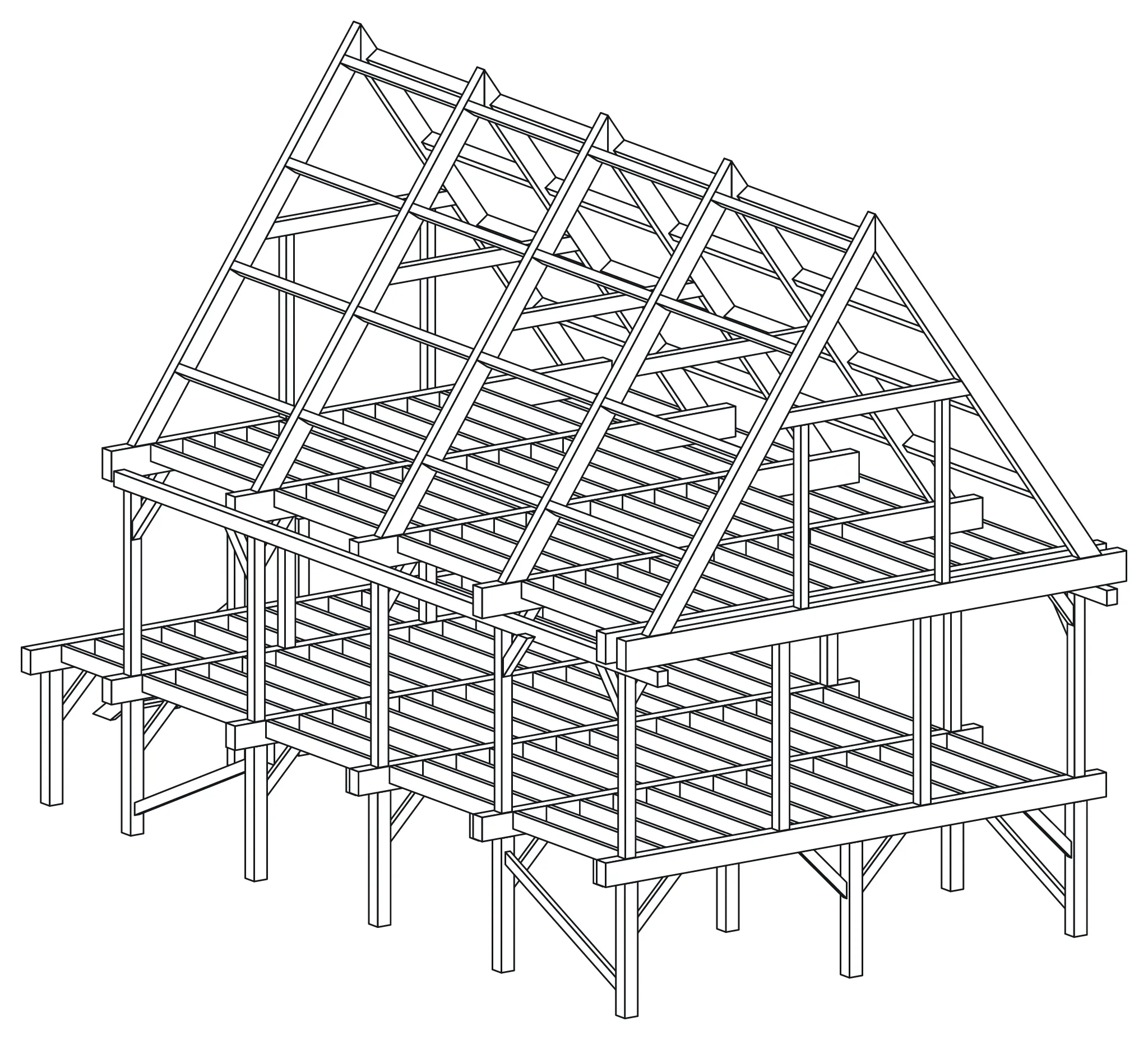
A design session is long tool work. The assistant reads the guide, draws members in batches, reads warnings, repairs them, and renders views, often dozens of times. Models that reason before they act make fewer broken batches and fewer warnings.
Pick by task
Section titled “Pick by task”| Task | What to pick |
|---|---|
| A new frame from a brief, or a large change | The most capable model on your plan, with thinking or a high reasoning level |
| Clearing warnings, adding a row of joists, renaming | A strong everyday model at medium effort |
| Questions about a project: quantities, part lengths, a render | A fast model |
Claude
Section titled “Claude”- Anthropic recommends Claude Opus 5 for most work. It thinks before it answers; you cannot switch that off.
- Claude Fable 5.1 is meant for demanding, long-running agent work, such as a large building. Check your plan for access.
- Claude Sonnet 5 suits smaller edits and follow-up questions. Claude Haiku 4.5 is fast for quick questions.
- Pick the model next to the send button. Set effort higher for a new design: the higher levels are meant for long agentic tasks.
ChatGPT
Section titled “ChatGPT”- OpenAI does not say which models work best with developer mode. For a new design, pick a Thinking model or a high reasoning level in the model picker.
- Use a fast, instant model for short questions about a project that already exists.
- OpenAI renames models often. The model picker shows what your plan offers.
Long sessions
Section titled “Long sessions”A big design fills the chat’s memory. When answers get slow or the assistant loses track:
- Ask it to write a short status: project name, what is done, what is next, open warnings.
- Start a new chat and paste the status.
- Ask it to list your projects and continue on the same one. The project lives in the cloud, so nothing is lost.
Model names were checked on 16 September 2026 against Anthropic’s model overview and model settings.