Export files
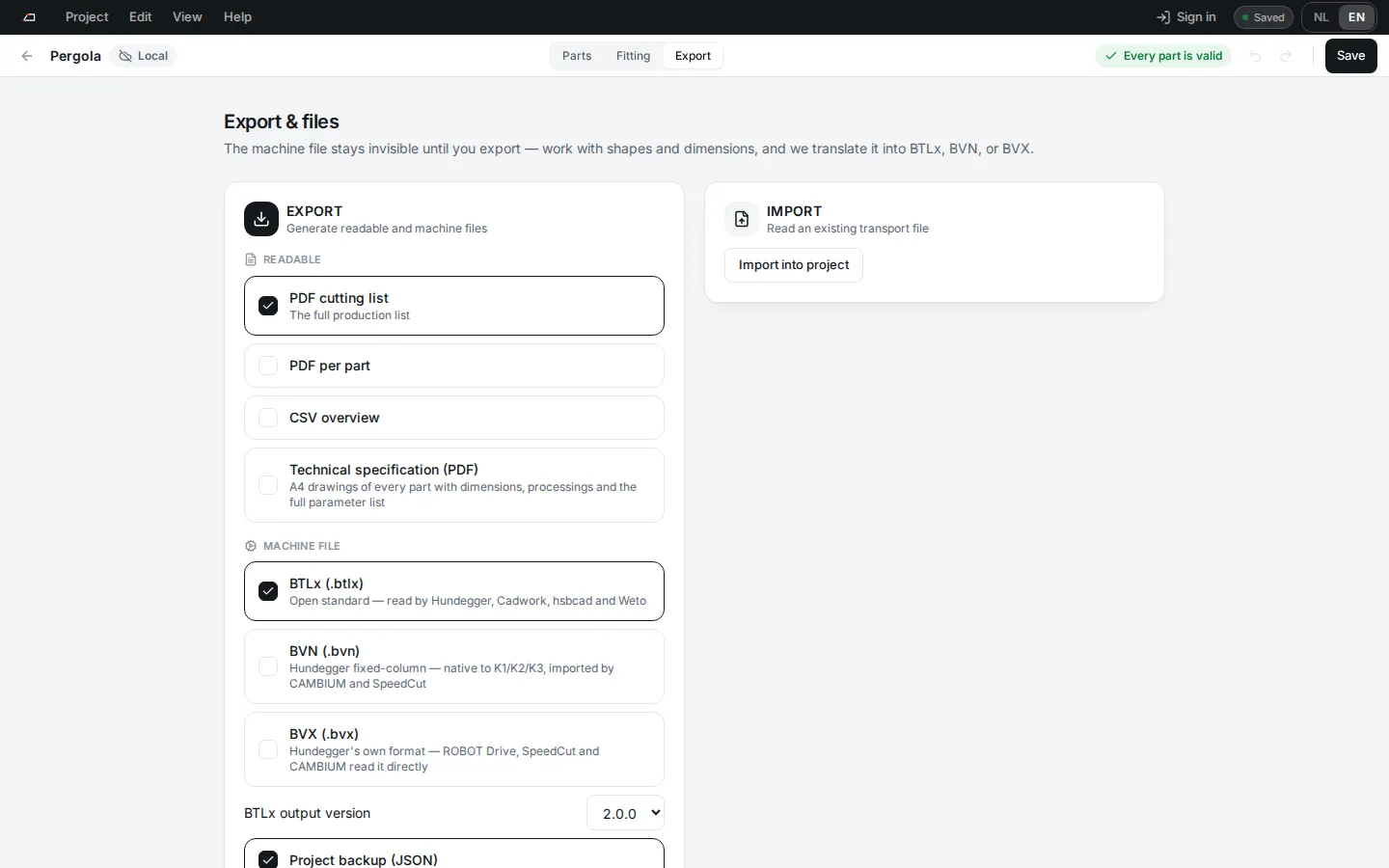
Export turns the project into files for the workshop and the machine.
Make the files
Section titled “Make the files”- Click Export in the project bar, or press Ctrl+Shift+E.
- Tick what you need under Readable and Machine file.
- For BTLx, pick the BTLx output version: 2.0.0 or 2.3.1.
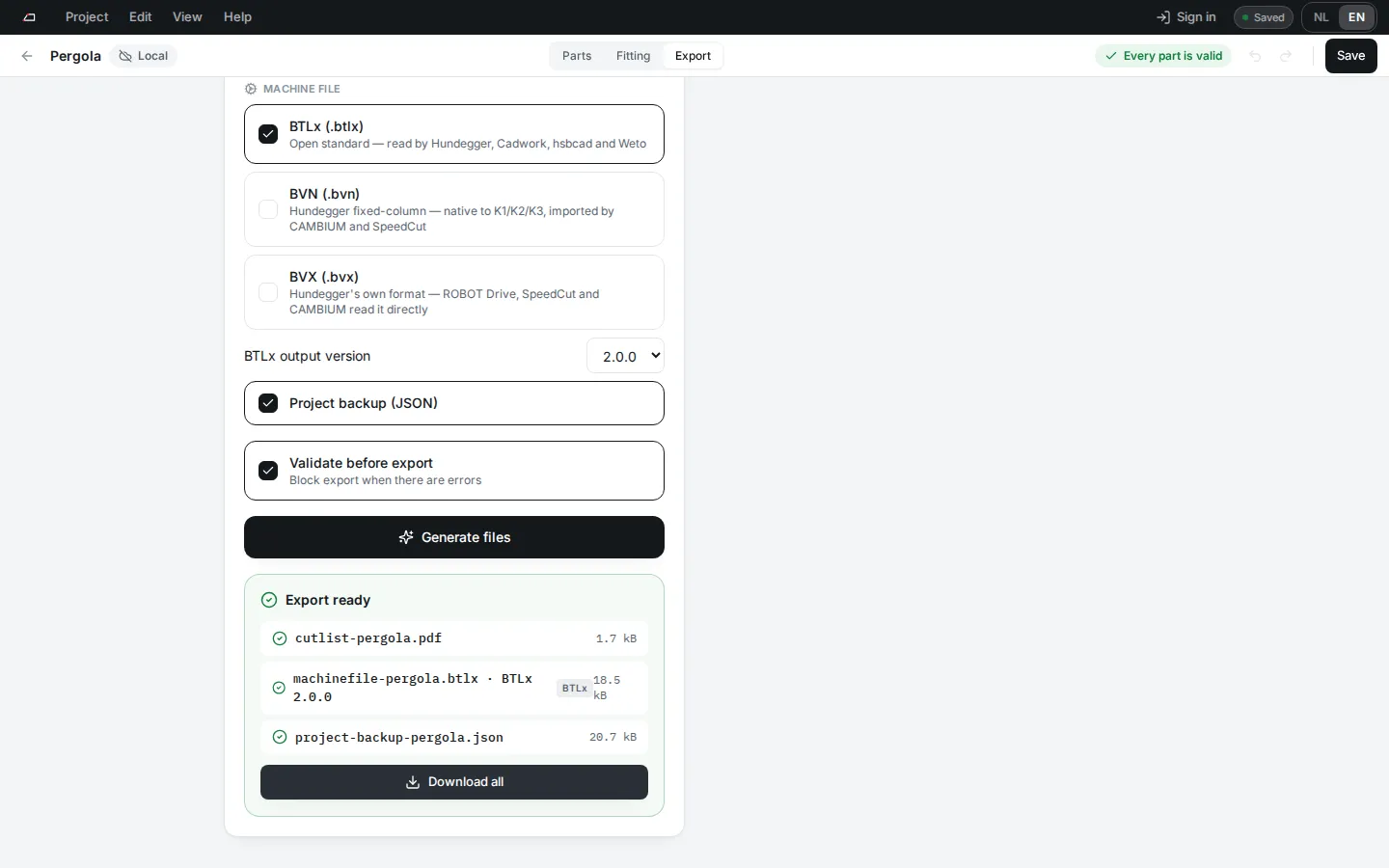
- Click Generate files.
- Click a file to download it, or click Download all.
The options
Section titled “The options”| Option | What you get |
|---|---|
| PDF cutting list | The full production list. On by default. |
| PDF per part | One PDF with a page for each part: its end shapes and processings. |
| CSV overview | The list as a spreadsheet file. |
| Technical specification (PDF) | A4 drawings of every part with dimensions, processings and all parameters. |
| BTLx (.btlx) | The open machine standard, read by Hundegger, Cadwork, hsbcad and Weto. On by default. |
| BVN (.bvn) | Hundegger fixed-column format. |
| BVX (.bvx) | Hundegger’s own format. Writes only square and single bevel ends. |
| Project backup (JSON) | The whole project, to open again later. On by default. |
Each processing page lists what each machine format supports. Start at the processing index.
When export is blocked
Section titled “When export is blocked”- With Validate before export on, errors stop the export. Fix them first.
- If a machine file would change or leave out machining, the export lists what. Tick I accept the listed omissions and will finish these parts manually. to go on.
Import into project reads a machine file and adds its parts to this project.