Import a 3D model
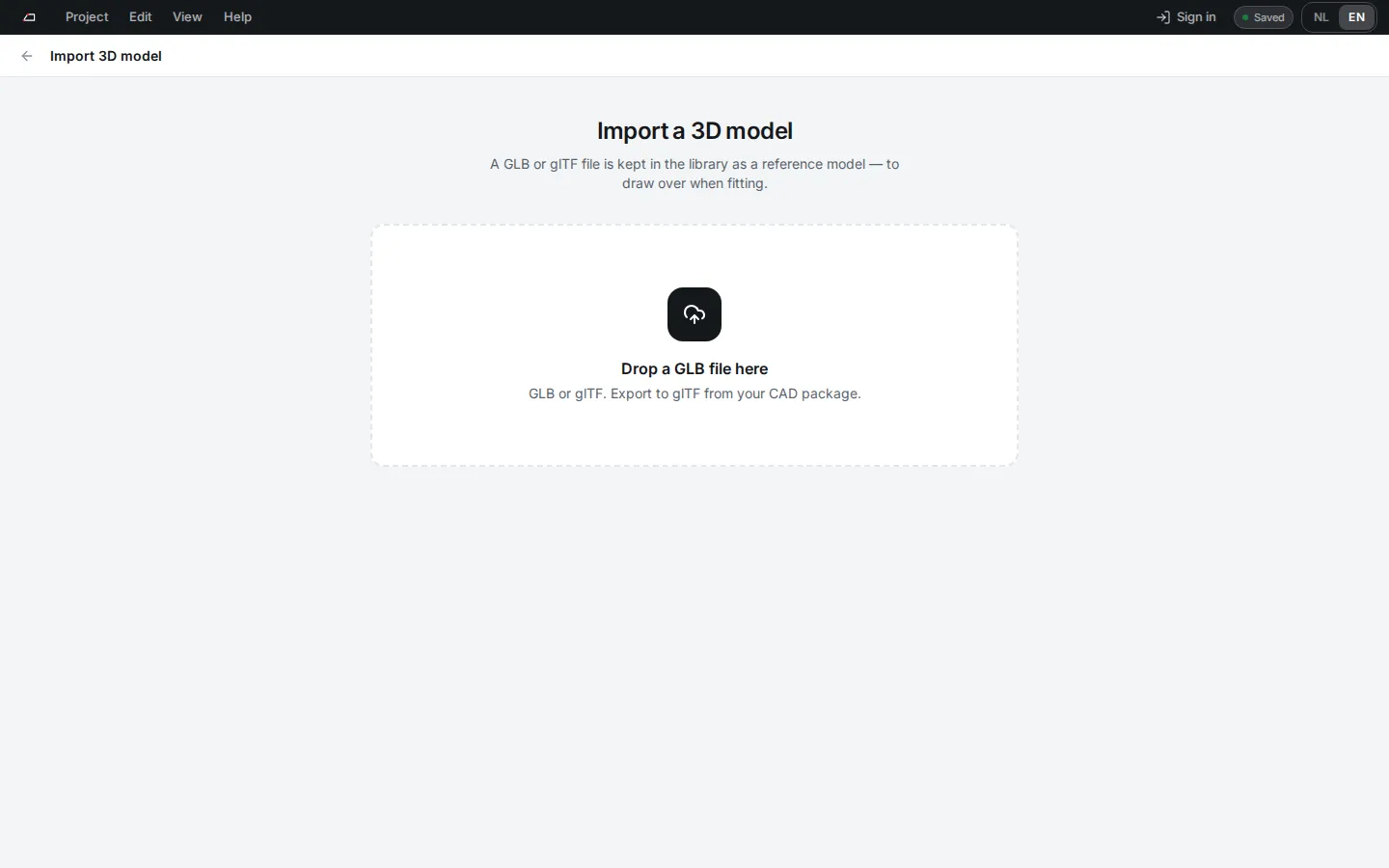
3D model stores a GLB or glTF file in the library on this device. In Fitting you can show it as a reference model and draw your members over it.
Add a model
Section titled “Add a model”- On Projects, click 3D model.
- Choose a
.glbor.gltffile of up to 128 MB. - Check the preview, Size and Points, and give it a Name.
- Click Save to library. The model opens in the library.
Use it in a project
Section titled “Use it in a project”- Open the project in Fitting.
- In the World panel, open Reference model and choose a model.
- Use Show, Opacity and Unlink to control it.
Export to glTF from your CAD package if it cannot write GLB directly.