Scan a mockup
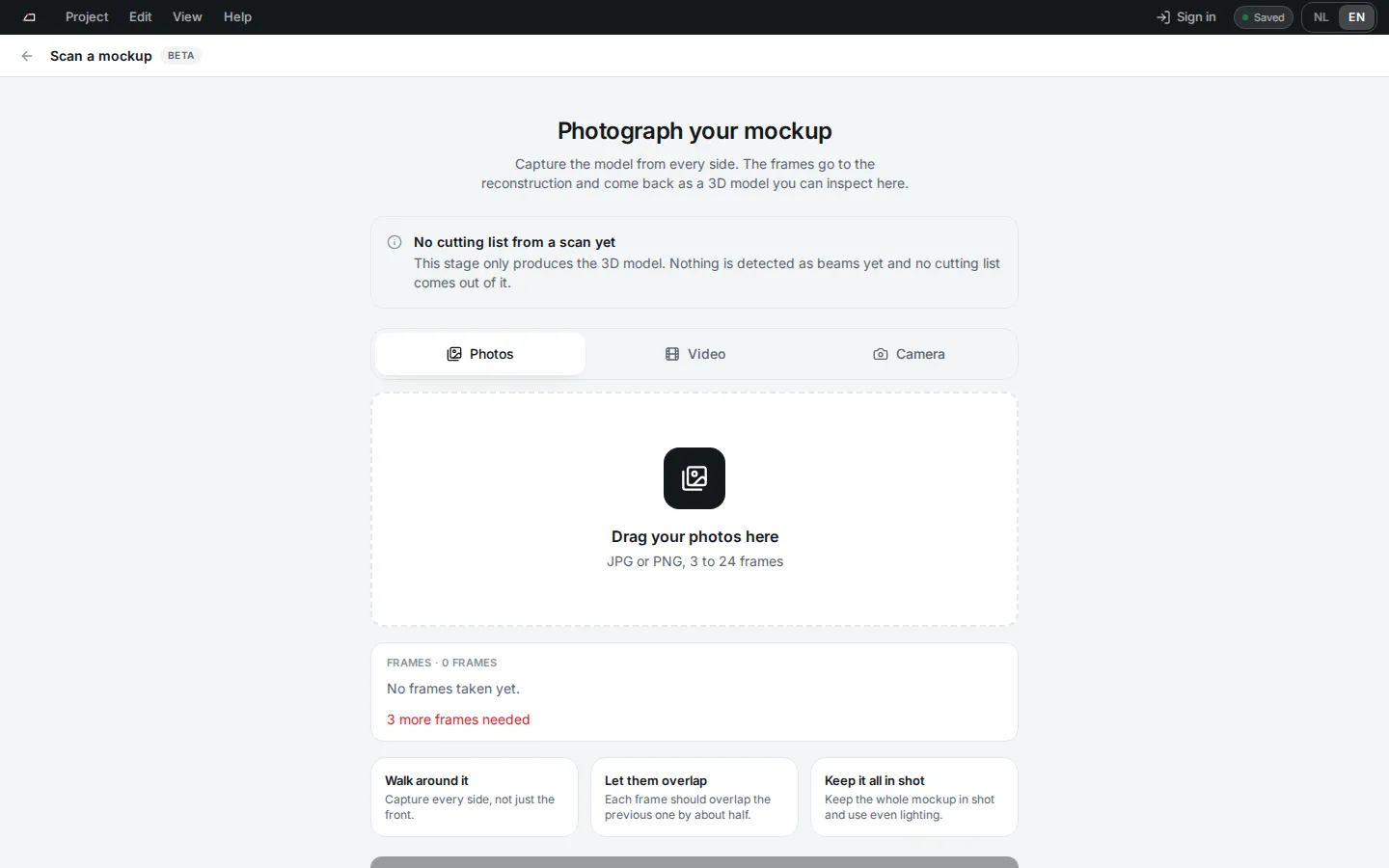
Scan (beta) turns photos of a mockup into a 3D model you can inspect and use as a reference in Fitting. It does not make a cutting list.
Scan a model
Section titled “Scan a model”- On Projects, click Scan.
- Add frames from Photos (3 to 24 JPG or PNG), a Video of one walk around, or the Camera.
- Walk around the mockup, let the frames overlap, and keep all of it in shot.
- Click Build the model and keep the screen open. The build usually takes a few minutes.
- When the model is ready, check it, Level it if needed and give it a Name.
Click Look at a sample model first to see a result without uploading anything.
No account is needed. Each network address can start 20 scans a day.