Projects dashboard
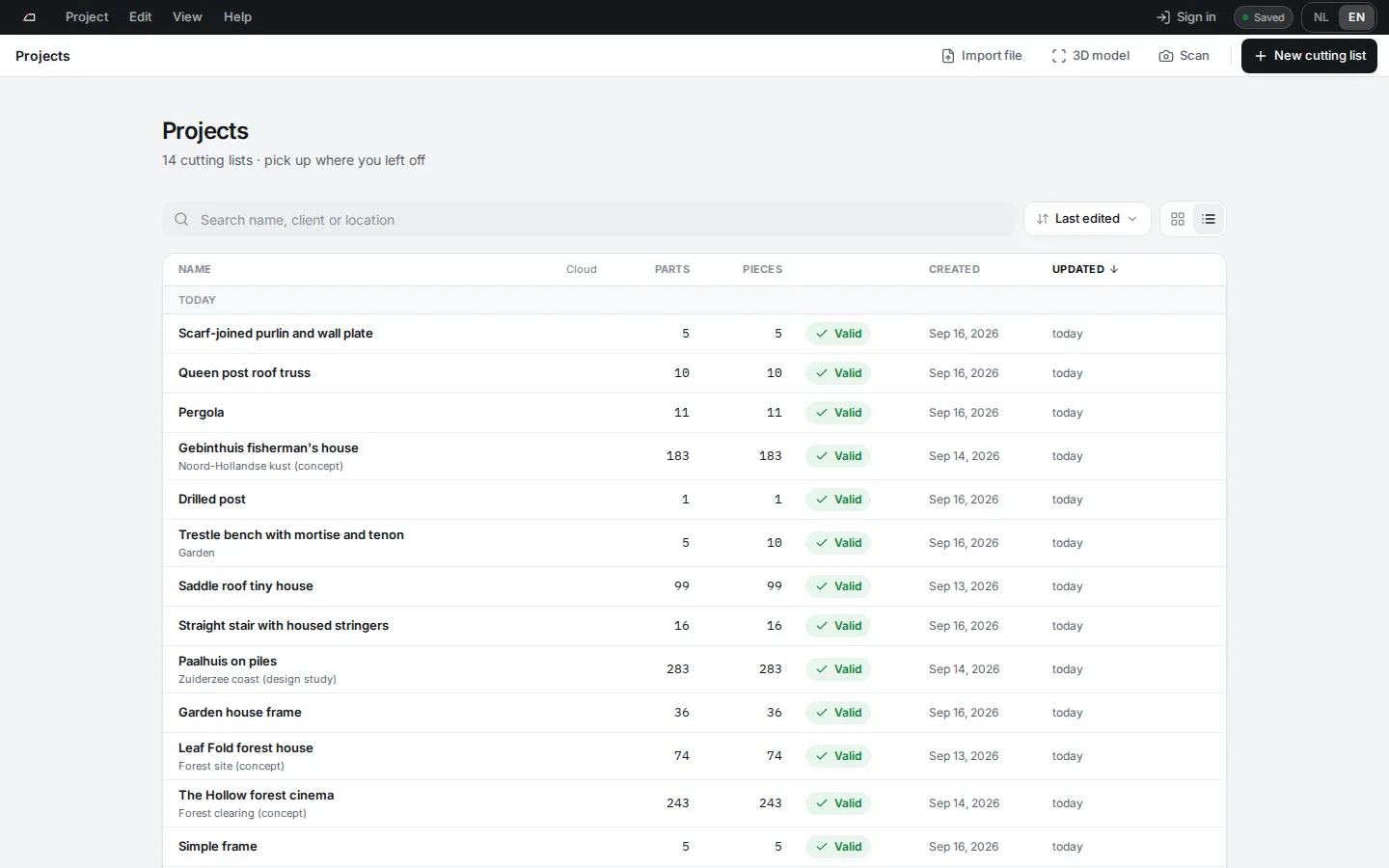
Projects is the start screen. It lists your projects, newest first, with Parts, Pieces, a status (Valid, Check or Error) and when you last changed them.
Start a project
Section titled “Start a project”- Click New cutting list, or press Ctrl+Alt+N.
- Type a Project name, and a Client and Location if you like.
- Click Create project. The project opens.
To start from a file instead, click Import file (see Machine import). To start from a finished example, open the example library.
Manage projects
Section titled “Manage projects”- Click a row to open a project.
- Right-click a row (long-press on touch) for Open, Duplicate project, Export…, Cloud and sharing… and Delete project.
- A duplicate is called “(copy)” and stays on this device only.
- Deleting a project that is in the cloud asks whether to delete it Only here or Also from the cloud.
3D model and Scan open 3D import and Scan. Their results appear under Scans & 3D models below the list.